

Free
To try it on one site
$0Free, for as long as you like
1 business · 1 project
- 1 source per project
- Short daily brief
- Live view and menu bar
The analytics aggregator for Mac
Stripe, Shopify, RevenueCat, Google Analytics, PostHog and more in one beautiful app.
Stop hopping between dashboards.
 Polar$640
 Polar
Reads from the tools you already use · Nothing to install
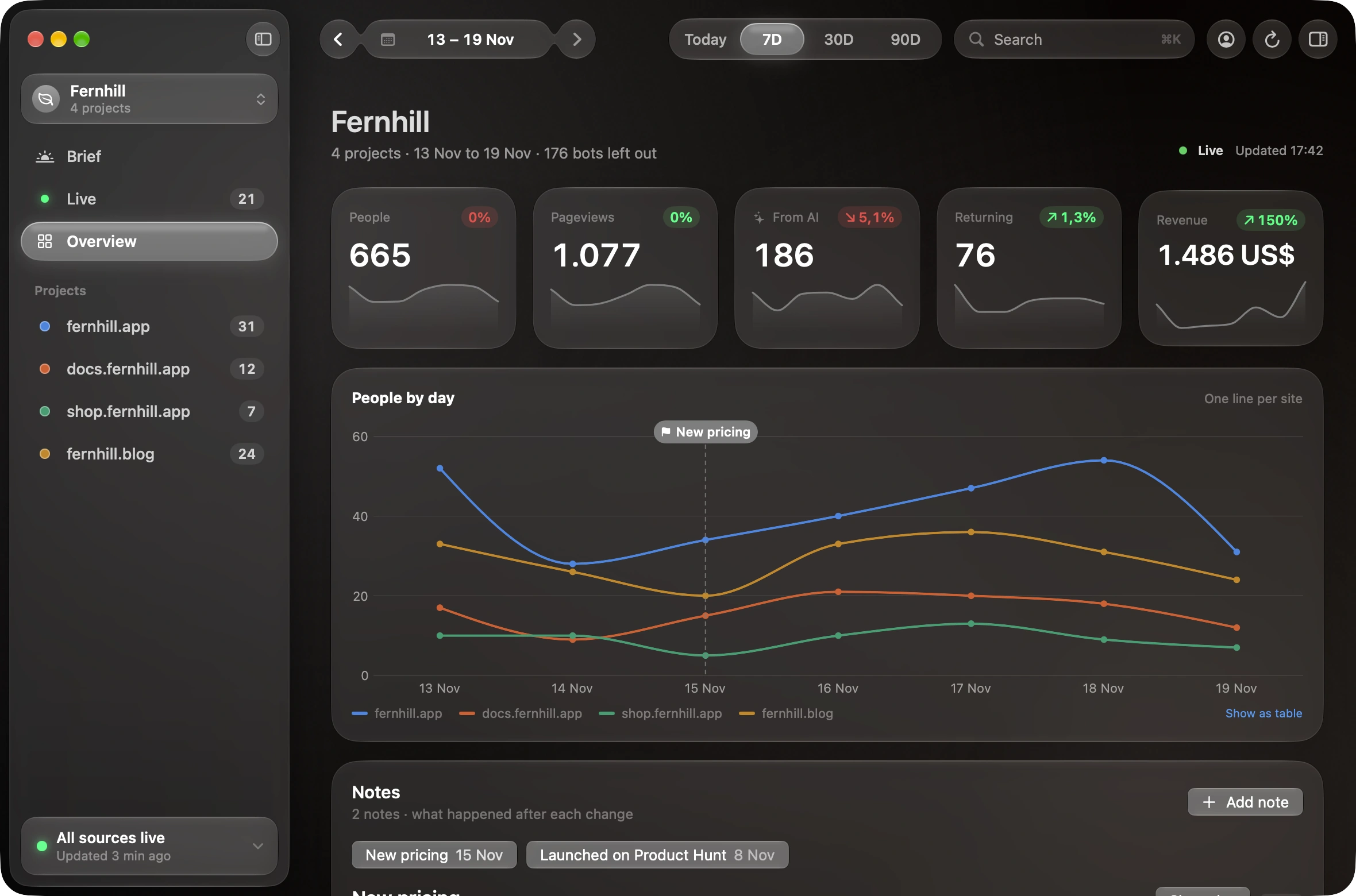
Sumby is a quiet window onto every business you run. It reads the tools you already pay for and turns them into one view and a short daily brief, right on your Mac. No new dashboards, no tracking code, no server of ours in between.
Every source for every project, added up into the numbers you actually check.
Keys stay in your Mac’s keychain. Your numbers never reach us.
Open it, read one row and a brief, close it. Or keep it in the menu bar.
?Why Sumby
You can. Each one is built to answer every question about one tool. Sumby is built to answer one question about all of them: how are my businesses doing?
Dune
Every site and every tool, in one window on your Mac.
 Sample data
People, pageviews, visitors sent by AI assistants, returning visitors and revenue, side by side and against the period before.
Bloom
Six themes or your own colours, down to each site.
+Your look
Six themes or your own colours, light or dark. Each theme is a slow-moving mesh behind the glass, and every site can have a look of its own. Try one.
Dune, Tide, Bloom, Moss, Dusk and Graphite, or pick your own accent.
Follows your Mac, or stays the way you set it.
Give each project its own colours, so you know where you are.
Tide
Read-only keys to the tools you already use.
+Sources
Paste a read-only key for each tool and Sumby fetches the history. Each project reads its own sources, and all of them add up.
PolarDusk
No Sumby server, no account, nothing of yours on our side.
+Privacy
Sumby talks to your tools straight from your Mac. There’s no Sumby server and no account in between, so there’s nothing on our side to breach.
Polarrk_live_••••••4f2aCharges: readphx_••••••••9c1eReadservice accountViewerpolar_oat_••••7b0orders:readshpat_••••••••a91dread_ordersEAAG••••••••Zx2ads_readSetup walks you through keys that can only read.
The brief is written on your Mac from fixed rules.
No analytics or crash-reporting code inside Sumby.
Removing a key from Sumby doesn’t revoke it; delete it in the tool to cancel it. Mixpanel only offers a project secret, which isn’t limited to reading. Sumby also loads each site’s icon and uses Apple Maps to place cities.
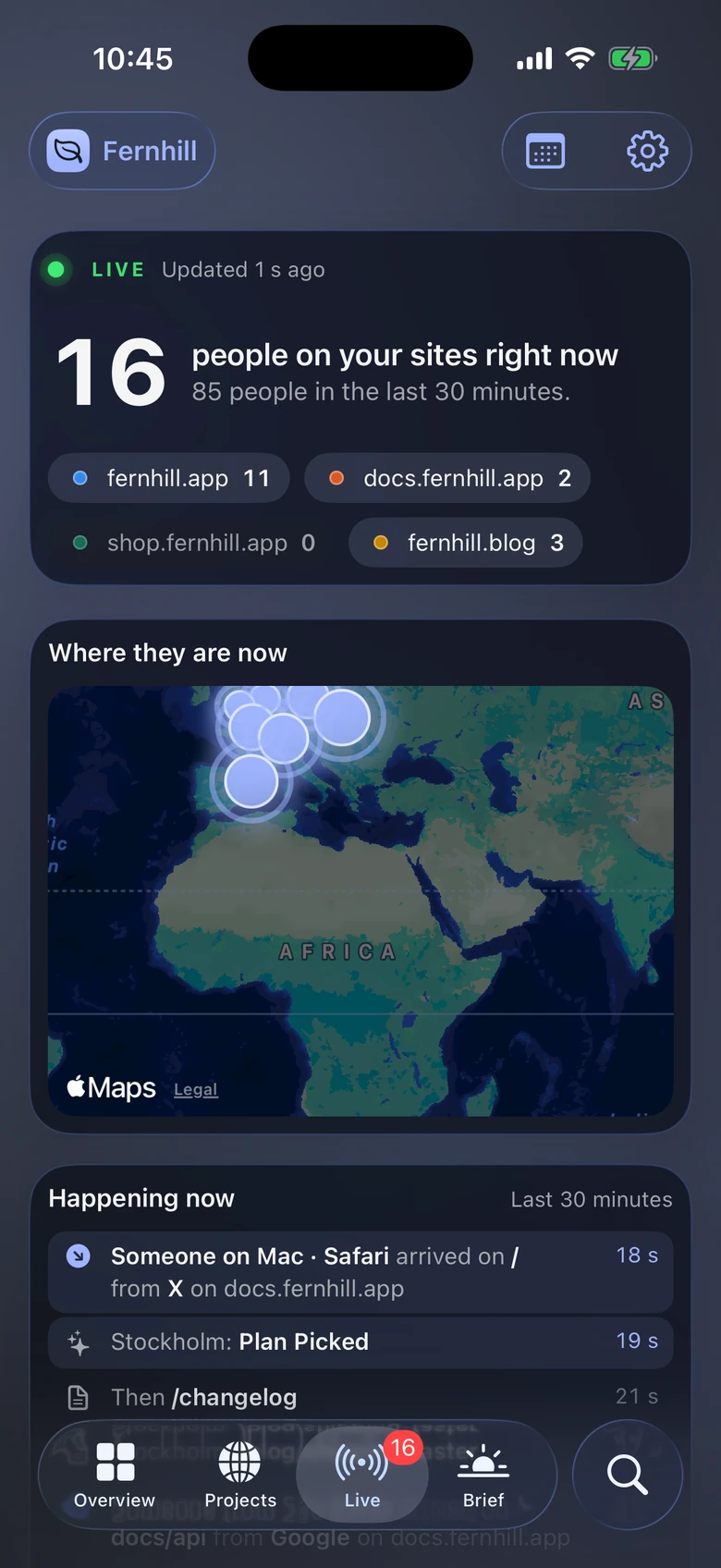
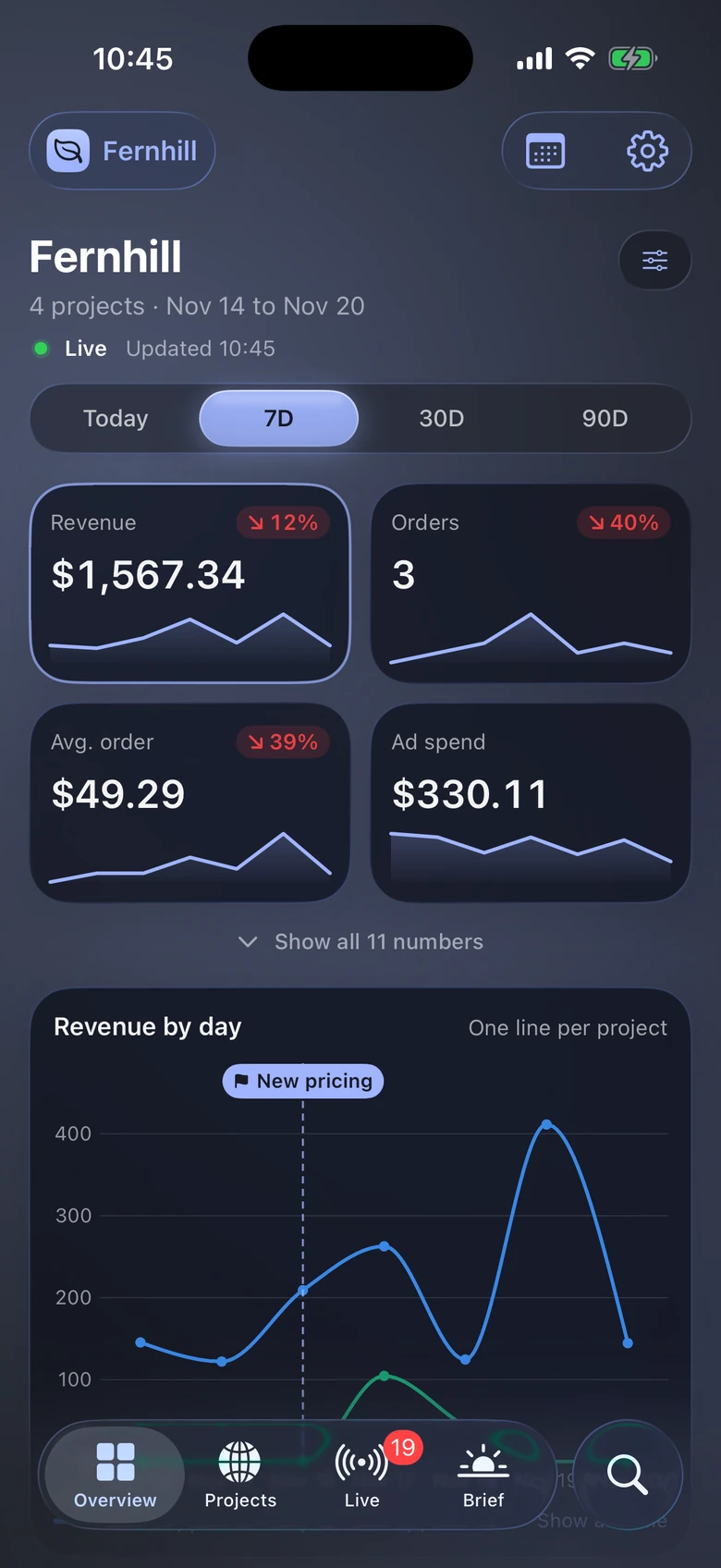
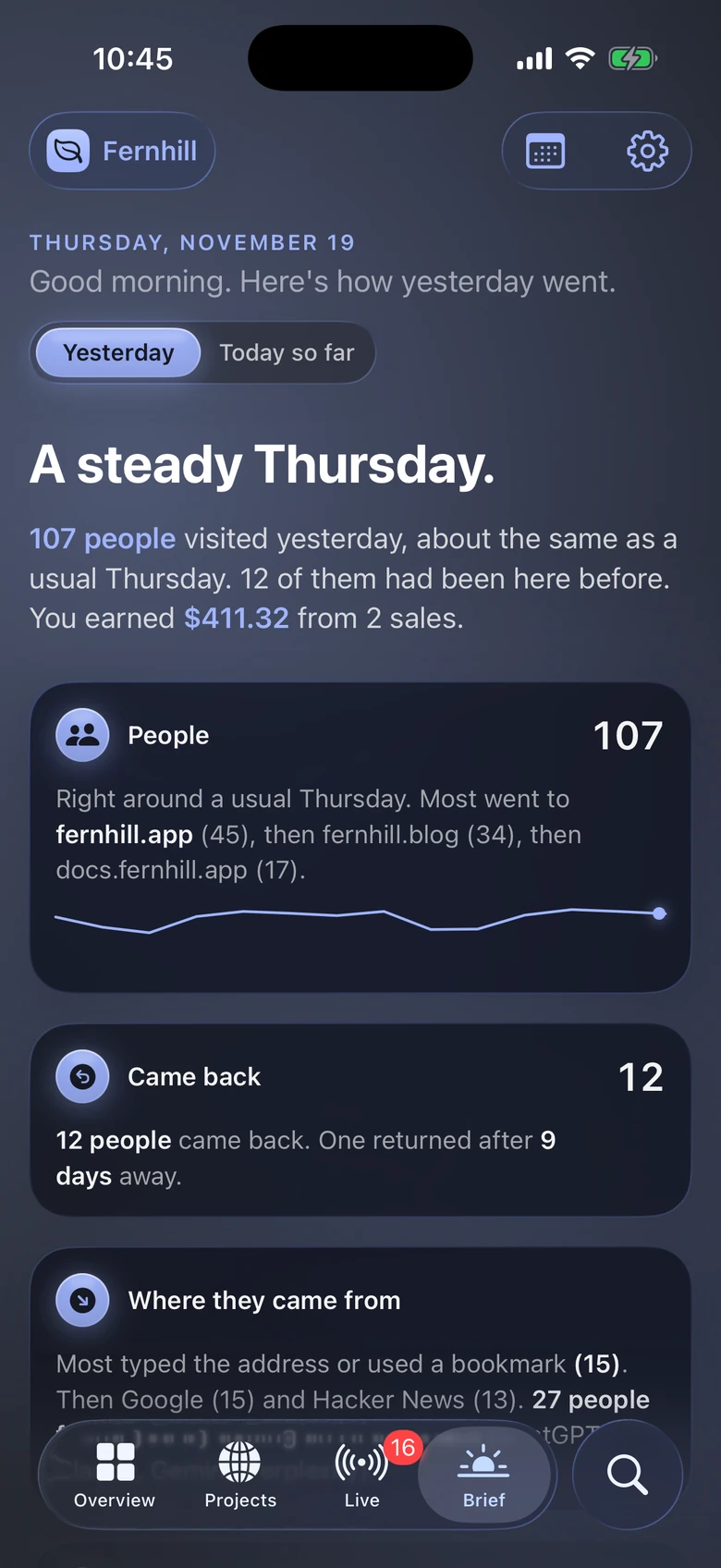
The same pages, numbers and brief on iPhone. It isn’t out yet; join the waitlist and we’ll tell you when it is.
Moss
Pay only when you add more businesses.
To try it on one site
$0Free, for as long as you like
1 business · 1 project
For independent founders
$12.99/ monthBilled monthly, cancel any time
$129.99/ yearBilled annually · $10.83 a month
3 businesses · 5 projects
For portfolios and client businesses
$24.99/ monthBilled monthly, cancel any time
$249.99/ yearBilled annually · $20.83 a month
10 businesses · 20 projects
For companies with their own data
Let’s talk
Price agreed with you
A business is a workspace for related projects. Project limits apply across your account. Connecting multiple tools to one project doesn’t use extra project slots. Prices in USD through the App Store; local prices and taxes may differ.
No. Sumby reads from the analytics and payment tools you already use. It adds no script.
Stripe, Polar, Shopify, RevenueCat, Meta Ads, Google Analytics 4, PostHog and Plausible. Mixpanel adds cities and returning visitors to PostHog sites. Stripe, Polar and Shopify show sales and revenue; RevenueCat adds MRR, active subscriptions and trials; Meta Ads shows spend, clicks, purchases and ROAS as Meta counts them.
With a key per tool. Sumby shows where to create it and which read permission to pick. Google Analytics uses a service account file with Viewer access.
A business groups related projects, like a studio with its website and its UI library. Each project reads its own sources. Project limits count across all businesses.
Sumby is on Mac today and needs macOS 26 or later. The iPhone app is coming; join the waitlist to hear when it's out.
Yes, on Enterprise. We build the sources you need into Sumby, from your own database or internal API to a CRM, and agree the price with you.
No. It's written on your Mac from fixed rules that compare today with a usual day. It doesn't guess causes or make forecasts.
Sumby reloads every five minutes while it's open, and Live checks every few seconds. Some tools, like Google Analytics, take a while to report recent visits.
Nothing is deleted. What's beyond your plan is paused, and you choose what stays active.
No. Plans are for one person.
=Sumby
Mac first, iPhone soon. Needs macOS 26 or later.